Best AI Voice Tools for Students in 2026

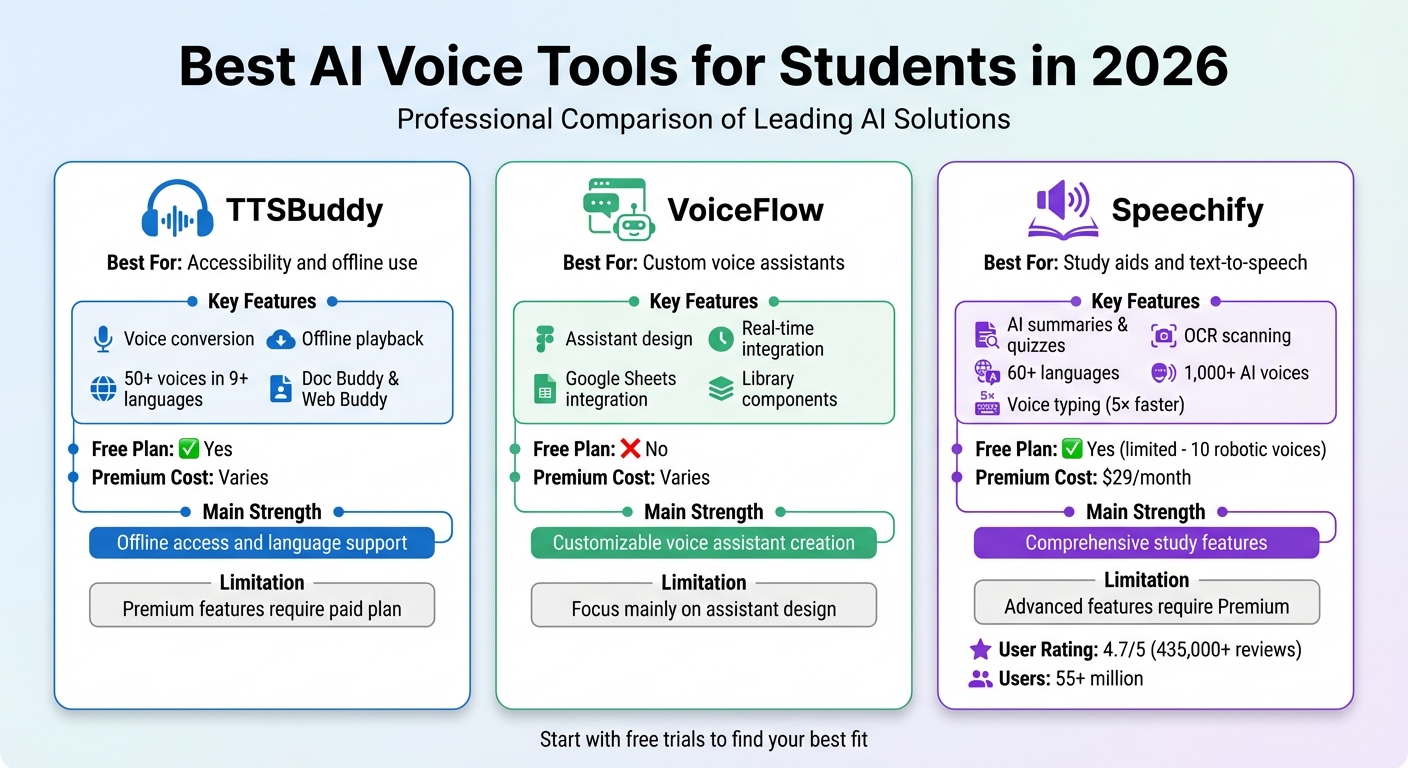
AI voice tools are transforming how students study in 2026. They save time, boost efficiency, and offer features like transcription, summaries, and personalized learning aids. Here's a quick look at the top three tools:
- TTSBuddy: Converts documents into audio and supports offline use with accessibility features for students with challenges like dyslexia or ADHD.
- VoiceFlow: Lets students design custom voice assistants for coursework help and integrates with tools like Google Sheets.
- Speechify: Offers text-to-speech, voice typing, and AI-generated summaries, quizzes, and podcasts, with support for over 60 languages.
Quick Comparison
| Tool | Best For | Key Features | Free Plan | Premium Cost |
|---|---|---|---|---|
| TTSBuddy | Accessibility and offline use | Voice conversion, offline playback | Yes | Varies |
| VoiceFlow | Custom voice assistants | Assistant design, real-time integration | No | Varies |
| Speechify | Study aids and text-to-speech | AI summaries, OCR scanning, 60+ languages | Yes (limited) | $29/month |
These tools cater to different needs, whether you're looking for accessibility, customization, or all-in-one study solutions. Start with free trials to find the best fit for your learning style.
Best AI Voice Generators - Free, Realistic & Easy to Use
1. TTSBuddy
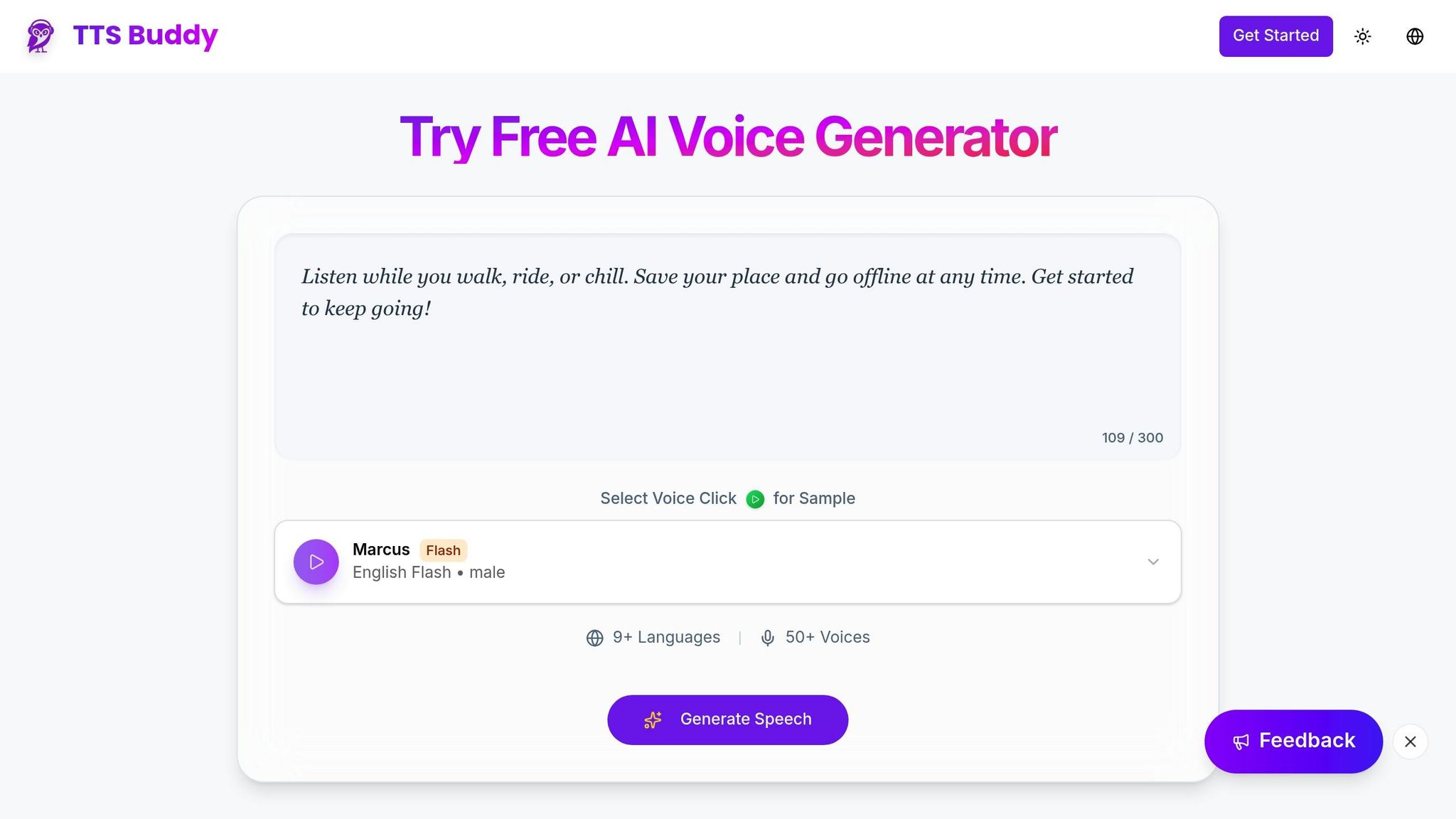
TTSBuddy turns educational content into engaging, voice-driven interactions.
Features for Students
With Doc Buddy, students can convert static documents into interactive, voice-based conversations. This makes it easier to absorb information, especially for those who struggle with dense texts or feel overwhelmed by too much information at once. The Web Buddy Chrome extension offers voice interaction with any website, simplifying research and online learning tasks. Plus, with 300+ voices available across 30+ language modes, students can customize their listening experience to suit their preferences.
Accessibility Options
TTSBuddy aligns with Universal Design for Learning (UDL) principles, making it a great tool for students with various challenges, such as visual or motor impairments, dyslexia, or ADHD. Its Offline Buddy feature ensures uninterrupted learning on any device, even without internet access. These thoughtful features are available through flexible plans designed to meet diverse needs.
Pricing and Plans
TTSBuddy includes a free version of its AI voice generator, making it accessible to those on a budget. Pro and Ultimate plans add higher limits, enhanced document conversion, API and CLI access, and the Chrome extension for heavier study workflows.
2. VoiceFlow
VoiceFlow isn't just about creating voice output - it empowers students to design their own interactive assistants.
Features for Students
VoiceFlow offers Educational AI Agent Templates, enabling students to craft assistants that provide round-the-clock coursework help and answer course-related queries. With the Library Components feature, students can enhance their projects by simply dragging and dropping pre-built elements, making it easier to add advanced functionalities without diving into complex coding.
Integration with Educational Tools
VoiceFlow works smoothly with popular educational tools. For instance, Google Sheets integration allows for easy data syncing and logging. The Convocore Voice Integration feature can turn text-based agents into fully interactive assistants. Additionally, the platform supports Interact WebSocket for real-time data exchange, ensuring that custom educational applications run efficiently. Once set up, students can monitor metrics like "Top Intents" and "User Retention" to assess their AI agents' effectiveness.
Pricing and Plans
To leverage third-party integrations, students need an active VoiceFlow account with access to their project dashboard, including details like the Agent ID and Project ID. VoiceFlow offers its own pricing tiers, but additional features like Convocore voice-layer integrations may come with separate charges. Projects must be active and published to unlock full integration capabilities.
3. Speechify
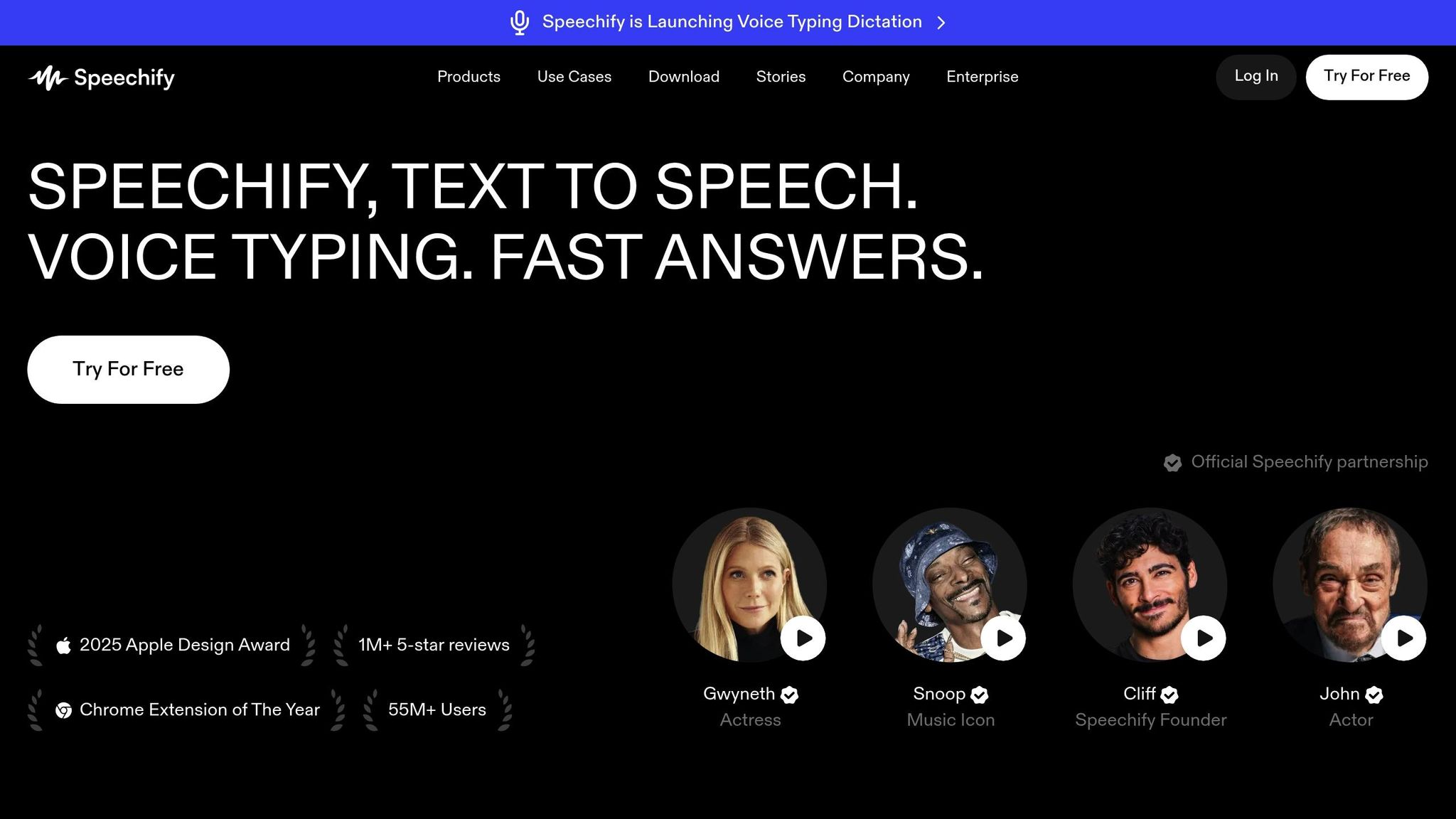
Speechify wraps up our review with a feature-packed platform designed to make studying easier and more effective. With over 55 million users, it transforms textbooks, PDFs, Google Docs, and even web articles into audio using more than 1,000 lifelike AI voices in over 60 languages.
Features for Students
Speechify offers a variety of tools tailored for students. Its AI Study Assistant can summarize chapters, answer questions, and even create quizzes. The AI Podcast Creation feature turns lecture notes into custom podcasts, perfect for studying on the go. Voice Typing allows students to dictate essays up to five times faster, automatically removing filler words and fixing grammar mistakes. The mobile app also includes a Scan & Listen feature that uses OCR technology to read printed text aloud instantly. These features make Speechify a powerful tool for students aiming to streamline their study routines with text-to-speech.
Accessibility Options
Speechify was created by Cliff Weitzman with neurodivergent students in mind, particularly those with dyslexia. It provides auditory feedback paired with text highlighting, which helps reduce the cognitive load for users with ADHD or dyslexia.
"Speechify is absolutely brilliant. Growing up with dyslexia this would have made a big difference. I'm so glad to have it today." - Sir Richard Branson, Business Magnate
The platform integrates seamlessly at the system level and through browser extensions, making it compatible with Learning Management Systems like Canvas, Blackboard, and Moodle. It also allows students to download audio files for offline listening, providing flexibility for different learning environments.
Pricing and Plans
Speechify offers a range of pricing plans to suit different needs. The Free Plan includes unlimited listening with 10 robotic voices and access to the Voice Typing feature. For $29 per month, the Premium Plan unlocks over 1,000 natural-sounding voices, listening speeds up to 5x, OCR scanning, AI-powered summaries, and integrations with Google Drive, Dropbox, and OneDrive. Students can try these premium features through a free trial.
In December 2025, Speechify partnered with Stanford University, providing Premium access to over 30,000 students, faculty, and staff. Stanford users can activate a full Premium account at no cost. The platform also offers bulk purchasing options for schools and universities.
| Feature | Free Plan | Premium Plan ($29/mo) |
|---|---|---|
| Voice Quality | 10 Robotic voices | 1,000+ Natural, human-like voices |
| Listening Speed | Up to 1.5x | Up to 5x |
| Languages | English only | 60+ Languages |
| OCR Scanning | Not included | Included |
| AI Tools | Voice Typing included | AI Summaries, Quizzes, & Podcasts |
Speechify has a strong reputation, earning a 4.7/5 rating on the Apple App Store from over 435,000 reviews. It also won the 2025 Apple Design Award, with Apple calling it a "critical resource that helps people live their lives".
Pros and Cons
Here's a breakdown of the main advantages and limitations of each AI voice tool, based on their key features and user reviews.
TTSBuddy is a solid choice for accessibility-focused users. It supports offline audio playback across devices and offers compatibility with more than 30 language modes. While its free plan covers basic needs, advanced features are locked behind a subscription.
VoiceFlow allows students to create interactive voice assistants, making it a good fit for tasks like organizing homework or projects. However, its primary focus is on assistant design, which may not appeal to those looking for broader study tools.
Speechify stands out as a comprehensive study assistant. It combines text-to-speech, voice typing, and AI-generated study aids like summaries and quizzes. While its features are robust, access to these advanced tools requires a Premium subscription, and it is designed more for individual study rather than collaborative use.
One shared drawback across these platforms is the issue of "voice drift" in long-form content. For example, during extended recordings like lectures or essays, the AI's pacing can sometimes feel less natural. It's a good idea to test each tool with longer materials before committing to a paid plan.
| Tool | Best For | Key Strength | Main Limitation |
|---|---|---|---|
| TTSBuddy | Accessibility needs | Offline access, 300+ voices, and support for 30+ language modes | Higher limits require Pro or Ultimate |
| VoiceFlow | Interactive assistant creation | Customizable voice assistant creation | Focus is mainly on assistant design |
| Speechify | Comprehensive studying | Combines voice typing, summaries, and quizzes | Advanced features require Premium |
When deciding, think about your priorities. If offline listening and language support are essential, TTSBuddy might be your best bet. For those who enjoy creating custom tools, VoiceFlow offers a unique experience. And if you're after an all-in-one study solution, Speechify delivers a wide array of features - though at a cost for its Premium tier.
Conclusion
Picking the right AI voice tool means finding one that aligns with your specific academic needs. TTSBuddy stands out for its accessibility features, including offline playback and support for multiple languages. VoiceFlow offers a creative way to stay organized with dynamic voice interactions, while Speechify combines text-to-speech, voice typing, AI summaries, and quiz creation into a single, versatile study tool. With these options, every student can discover a tool that fits their unique study habits.
To make the best choice, start by identifying what you need most. Are you looking for offline accessibility? TTSBuddy's Chrome extension and free plan could be a good starting point. Want a comprehensive study assistant? Speechify Premium, priced at $139 per year, might be worth exploring for its advanced features like audio summaries and quizzes. If you're intrigued by voice-driven productivity, VoiceFlow might be the tool to try.
Most platforms provide free trials or basic plans, so take advantage of these to test how they integrate with your coursework. The ideal tool should match your learning style and help you study more effectively, letting you focus on what matters most - excelling in your academic journey.
FAQs
What is the best AI voice tool for offline studying?
Inscribe takes the top spot for offline studying in 2026. This tool stands out by offering 100% offline transcription and document analysis. By operating entirely without cloud services, it guarantees both privacy and security, making it a reliable choice for users concerned about data protection.
Can these tools help with dyslexia or ADHD?
AI voice tools can be a game-changer for students with dyslexia or ADHD. By converting text into natural-sounding speech, these tools allow students to absorb information without the need for traditional reading. They can read textbooks, notes, or assignments aloud, making it easier to understand and stay focused. This kind of support helps address different learning needs, making academic tasks feel less overwhelming for students who face reading or attention challenges.
How can I test voice quality before paying?
Testing voice quality is simple with the free trials or demo versions provided by many AI voice tools. These trials usually include sample voices or demo features, allowing you to assess the clarity and naturalness of the output before making a decision. It's a quick and effective way to see if the tool aligns with what you're looking for.