Text-to-Speech: Voice for AI Agents

Voice output is turning AI agents from text tools into tools people can use on the move, under pressure, or without looking at a screen. If speech starts in about 400 to 800 ms, and first audio lands in under 200 ms, the interaction feels natural enough for support, developer alerts, and daily assistant tasks.
Here’s the short version:
- Voice fixes access gaps for people who can’t rely on text alone
- Hands-free output helps when reading is hard, slow, or unsafe
- Streaming TTS lets agents start speaking before the full reply is done
- Different jobs need different setups: live support, terminal alerts, and batch summaries do not need the same voice stack
- Rollout depends on basics like latency, pronunciation, retries, fallback paths, and compliance
If I were planning voice for an AI agent, I’d keep it simple:
- Use streaming TTS for live back-and-forth
- Use batch audio for summaries, notes, and updates people hear later
- Use REST API for apps, CLI for scripts and CI/CD, and MCP for agent tool chains
- Test names, prices, dates, IDs, and phone numbers before launch
- Add clear fallback rules when speech fails or a human handoff is needed
A few data points stand out:
- Modern TTS can reach 400–800 ms end-to-end latency
- A production target in the piece is under 700 ms end to end
- One voice scheduling line saw a 38% lift in scheduling NPS
- One support team cut costs by more than 50% with a 24/7 voice agent
Give Your Chat Agent a Voice - Luke Harries, Head of Growth, ElevenLabs
Quick Comparison
| Use case | Best voice mode | Main goal | What matters most |
|---|---|---|---|
| Customer support | Streaming | Live replies | Natural pacing, low delay, easy interruption |
| Developer tools / CLI | Short live or batch audio | Alerts and summaries | Clear speech, low noise, terminal fit |
| Personal assistants | Batch or streaming | Longer spoken updates | Smooth pacing, longer-form listening |
| Automation pipelines | Batch | Audio sent for later | Throughput, file delivery, large text handling |
| Integration option | Best for | Main use |
|---|---|---|
| REST API | Apps and back-end systems | Generate audio in code |
| CLI | Scripts, CI/CD, terminal workflows | Pipe text, files, or stdin into speech |
| MCP | AI agent tool use | Let agents call TTS in a standard way |
Bottom line: voice is not just a nice extra. It helps when text becomes the bottleneck. The rest of the article explains where that happens, which setup fits each workflow, and what to check before launch.
Why voice output makes AI agents more usable
Voice output fixes three day-to-day problems: access, hands-free use, and faster consumption.
Accessibility for users who cannot rely on text alone
For users with visual impairments, dyslexia, ADHD, limited mobility, or plain old screen fatigue, on-screen text can get in the way. Spoken output cuts a lot of that friction because people can get documentation and support by listening instead of reading [1].
Text-only agents don't give these users a practical way to get the response.
"Text-to-speech is the last-mile interface between software and humans." - Raymond F, Engineering [1]
That same audio access also matters when someone can't pause what they're doing just to stare at a screen and read.
Hands-free use in work and daily routines
Voice output is especially helpful when reading is impractical or unsafe, like when someone's driving, walking, or handling an incident. It also helps developers listen to runbooks or status updates without stepping out of their workflow, so they can keep moving and still get the info they need [1] [7].
Faster and more natural response delivery
Long answers can slow people down. Spoken output changes that because users can listen while they keep working [1] [4].
Timing matters here. Responses that begin within a second feel natural. Multi-second delays feel broken. Streaming TTS cuts that wait by starting audio as soon as the first sentence is ready [5].
Barge-in adds another layer of control by letting users interrupt speech right away [5] [6].
Where AI agents use text-to-speech today
Voice output shows up in support, developer tooling, and personal automation. The best setup depends on who the agent is talking to: a customer, an engineer, or someone who just wants an audio summary.
Customer support and service agents
AI support agents handle routine questions like order status, account help, and troubleshooting 24/7 [8]. Voice output is what makes those replies feel fast and easy to use, not just present.
Voice quality matters a lot here. Support is often frustrating to begin with, and a flat or robotic voice can make that worse. As Nandann Creative Agency put it:
"In customer support specifically, a robotic-sounding voice increases frustration on an already-frustrating interaction." - Nandann Creative Agency [3]
Developer tools, assistants, and terminal workflows
CLI and DevOps workflows use TTS to announce alerts, build results, and deployment summaries while engineers keep working [2][4].
In this case, clarity usually beats personality. A plain voice reading a build failure or deployment summary is often more useful than one designed to sound polished or expressive.
Personal assistants and automation pipelines
Personal assistants and automation workflows often deal with longer material: research summaries, meeting notes, schedules, and multi-step task updates. Voice turns that text into audio people can use when reading is the bottleneck. That's handy for users who are commuting, walking, or juggling a few things at once [2][4].
These workflows often fit batch audio best. The agent pulls together a summary, converts it to speech, and sends a file the user can play later.
Support needs fast, natural back-and-forth. Developer tools need clear, direct alerts. Assistants need smooth pacing. Automation often needs short batch audio. Those differences shape which TTS option makes sense for each workflow.
TTS implementation options for AI agents
Once you know where voice fits, pick the setup that matches the job. Some agents need live speech. Others need batch audio. Some run best right from the terminal.
There are three practical ways to add voice: REST API, CLI, and MCP. The best choice comes down to one thing: does the agent need live speech, batch audio, or terminal-native output?
Text-to-speech APIs for app and agent integration
A REST API makes sense when you're building a web app, an internal tool, or an agent backend that needs to generate audio in code. You send text, get audio back, and handle delivery on your side.
For non-real-time work like batch summaries, async notifications, or pre-rendered responses, a standard REST request does the job. For conversational agents, stream text into TTS at sentence boundaries instead of word by word. That keeps speech smoother and helps cut latency. If you need live delivery without reconnect lag, use WebSockets.
Command-line TTS for scripts, CI/CD, and batch jobs
If your workflow lives in the terminal, CLI-based TTS is a clean fit. Developers and SREs can pipe stdin, Markdown, or text files into TTS and generate audio straight from scripts, CI/CD jobs, and batch alerts.
Using TTSBuddy in agent and automation workflows
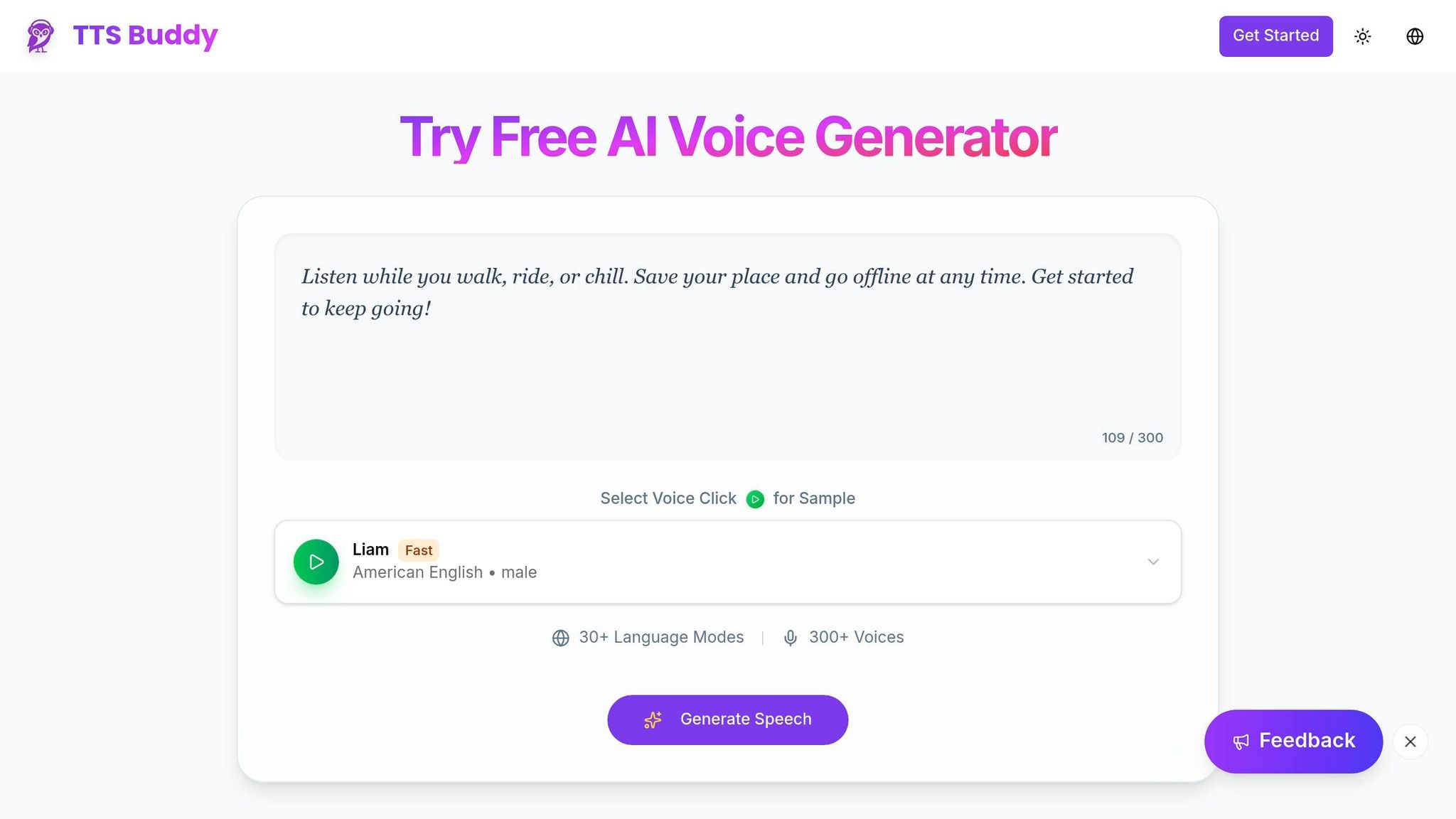
TTSBuddy supports CLI, REST API, and MCP workflows, so agents can trigger speech generation directly without extra glue code. It also supports async jobs and large text inputs, which makes it useful for both live and batch audio.
You also get multilingual voice options, and it ships as a cross-platform CLI for macOS, Linux, and Windows.
Here’s a quick map for matching the integration style to the workflow:
| Integration Style | Best For | Key Advantage |
|---|---|---|
| REST API | Web apps, async batch jobs | Programmatic audio generation |
| CLI | Developers, CI/CD, scripts | Terminal-native input from files or stdin |
| MCP (Model Context Protocol) | AI agents, LLM tool-use chains | Standardized agent tool access [4] |
With the integration path picked, the next step is pairing the voice setup with the agent’s job and launch needs.
How to choose and roll out the right voice setup
Match the voice setup to the agent's job
After you pick REST, CLI, or MCP, the next step is simple: match the voice setup to the workflow.
The setup should fit both the job and the person listening. A customer support bot usually needs a calm, professional voice. People often come in frustrated, and a stiff, robotic tone can make that feel worse. A terminal-based developer tool has a different goal. It needs speed and clarity, not a lot of expression. For summaries and narration, batch TTS is often enough because latency matters less than throughput.
Two questions make the choice easier: Is the response time-sensitive? And is the user listening live, or hearing the audio later? Use streaming for live, interactive use. Use voice as a core interface when people are multitasking or relying on it for accessibility.
For live agents, timing matters more than polish. Use low-latency streaming for live conversations. Use batch audio when speed matters less than throughput.
Once that fit is clear, run a short set of production checks before launch.
Checks to run before launch
Before shipping a voice-enabled agent, go through these practical checks:
| Check | What to Verify |
|---|---|
| Latency | End-to-end response under 700 ms; time-to-first-audio under 200 ms [6][1][9] |
| Text normalization | "$12.50" reads as "twelve dollars and fifty cents", not a string of symbols [1] |
| Retry safety | Tool calls like bookings and payments use idempotency keys to prevent duplicate actions [10] |
| Error handling | A fallback path is defined when TTS fails or the user requests a human agent [10] |
| Privacy & compliance | HIPAA BAA in place for healthcare; AI disclosure in the agent's first message [3] |
Latency and fallback handling get a lot of attention, but pronunciation trips teams up all the time. Test brand names, product IDs, and domain terms before launch. Use SSML <phoneme> tags for proper nouns and <say-as> tags for dates, currencies, and phone numbers so the system doesn't stumble over them [1].
Conclusion: Voice output solves real usability problems
Voice isn't just there to make an agent feel modern. It's a practical layer that cuts friction in situations where text gets in the way: when someone can't look at a screen, when a team needs to move through responses faster, or when reading slows the workflow down.
The examples in this guide - customer support and developer tooling - follow the same pattern. Text output becomes a bottleneck, and voice removes it. Pine Park Health's scheduling line saw a 38% increase in scheduling NPS after adding voice, and SWTCH cut support costs by more than 50% with a 24/7 voice agent [6].
The right TTS setup depends on the product context: streaming for live agents, batch for summaries and narration, and premium voices for customer-facing interactions. Standard tiers fit internal tools and development better [2]. Get the timing right, handle errors cleanly, and voice output becomes one of the most durable usability gains you can ship.
FAQs
When should an AI agent use streaming TTS instead of batch audio?
Use streaming TTS for conversational AI agents, real-time voice assistants, and interactive IVR systems that generate responses on the fly. It sends audio in chunks as the text is produced, which cuts perceived delay - often to under one second - and helps the conversation feel smooth and natural.
Use batch TTS when the content is static, pre-recorded, or long-form, and total render time matters more than first-byte latency.
What latency makes voice output feel natural in real use?
Voice output feels natural when it lines up with the pace of human conversation. In most cases, that means staying within 200 to 300 milliseconds overall. A Time to First Byte (TTFB) of 100 to 200 milliseconds is a big part of hitting that mark.
Once delay climbs past 400 milliseconds, people start to notice it. And when pauses stretch beyond 1.5 seconds, the system can feel broken, not just slow.
In production, streaming helps a lot. Instead of waiting for full-sentence synthesis, the system can send audio chunks right away. That makes replies feel more like a live conversation and less like waiting on a machine to catch up.
How do I prepare an AI agent for pronunciation and fallback issues?
Use SSML to guide pronunciation, pauses, and emphasis for specific words and phrases. Modern neural TTS models can also handle some pronunciation from context, like picking the right meaning of similar-looking words based on the surrounding text.
For production use, send LLM calls through a central gateway. That gives you one place to add fallback logic and switch to the right model size when the main output fails or doesn’t perform well enough.