Voice-Enabled AI Agents Without Pipeline

You do not need to build STT, TTS, streaming, retries, and playback from scratch to ship a voice agent. I’d keep the agent text-first, plug in a voice layer through a CLI or API, and ship with a simple flow: speech or text in, text reply out, audio playback when needed.
Here’s the short version:
- Split the system into 3 parts: agent brain, speech layer, and transport
- Start with a basic request-response flow: STT → agent → TTS
- Use a CLI for local and terminal use: inline text, Markdown files, or piped output
- Use a REST API for apps and services: submit jobs, save
job_id, poll, and retry with idempotency keys - Add fallback playback: macOS
say, Linuxespeak - Clean text before speech: dates, prices, file paths, and version numbers often sound wrong if left raw
- Support speech input and accessibility: push-to-talk, transcripts, keyboard-friendly controls, and speed options
A few numbers stand out. The CLI supports 58+ voices in 14+ languages, and the API accepts jobs up to 500,000 characters. That means one setup can cover short replies, long summaries, and batch output without forcing me to build a full audio stack.
Build a voice agent with LangChain
Quick Comparison
| Option | Best for | Input | Output | What I’d watch for |
|---|---|---|---|---|
| CLI | Local agents, shell scripts, terminal workflows | Inline text, Markdown, stdin | MP3, WAV, stdout stream, JSON, URL | Less suited to distributed retry handling |
| REST API | Backend apps, bots, scheduled jobs | HTTP requests | Async job status + audio link | Needs polling, state storage, and timeout handling |
| MCP tool | Tool-using agent systems | Structured tool calls | Speech job output | Needs rules so the agent does not repeat requests |
Bottom line: I’d use the CLI to get voice working fast, then move to the API or MCP when the agent needs retries, job tracking, or service-side control.
Design a Minimal Voice Architecture for Your Agent
Split the agent brain, voice layer, and transport
Add voice by keeping three parts separate: the agent logic, the speech layer (STT and TTS), and the data transport.
That split keeps each part in its own lane. The agent writes text. The speech layer converts speech to text and text to speech. The transport moves data between them through CLI calls or API requests. Because those pieces are separate, you can swap one out without rewriting everything else.
For terminal agents, a bridge process can watch the transcript file, send new lines to TTS, and keep the agent unaware of the speech layer. [1]
Next, turn that split into a simple request-response path.
Start with simple request-response flows
The basic flow has three steps: text or audio comes in, the agent produces a text reply, and that reply goes to TTS for audio output.
| Layer | Input | Output |
|---|---|---|
| STT | Raw audio | Text transcript |
| Agent | Text transcript | Text response |
| TTS | Text response | Audio file (MP3/WAV) |
This stateless pattern is the default shape for CLI, API, and MCP setups. Each request stands on its own: the agent gets a text string, returns a text string, and TTS converts it. Start stateless. Add memory later.
Before sending agent output to TTS, normalize file paths, snake_case, and code fragments into plain prose before TTS. [1]
That basic flow is what makes CLI-based speech generation easy to wire in next.
Handle retries, timeouts, and fallbacks from the start
Speech synthesis fails. APIs rate-limit. Networks drop. Build for that on day one instead of patching it later.
Use exponential backoff with jitter for 429 rate-limit and 5xx server-error responses. Honor the Retry-After header when it is present, and cap your wait time at around 60 seconds. Store async job IDs and poll results instead of resubmitting requests. [2]
Always define a local fallback. On macOS, say works with no dependencies. On Linux, espeak does the same job. If the cloud API is unavailable, the agent stays audible. Set a character limit to control unexpected costs, and cut text at sentence boundaries, not mid-word. [3][1]
With the architecture in place, the next step is wiring TTS into terminal workflows.
Use TTSBuddy CLI to Add Text-to-Speech in Terminal Workflows
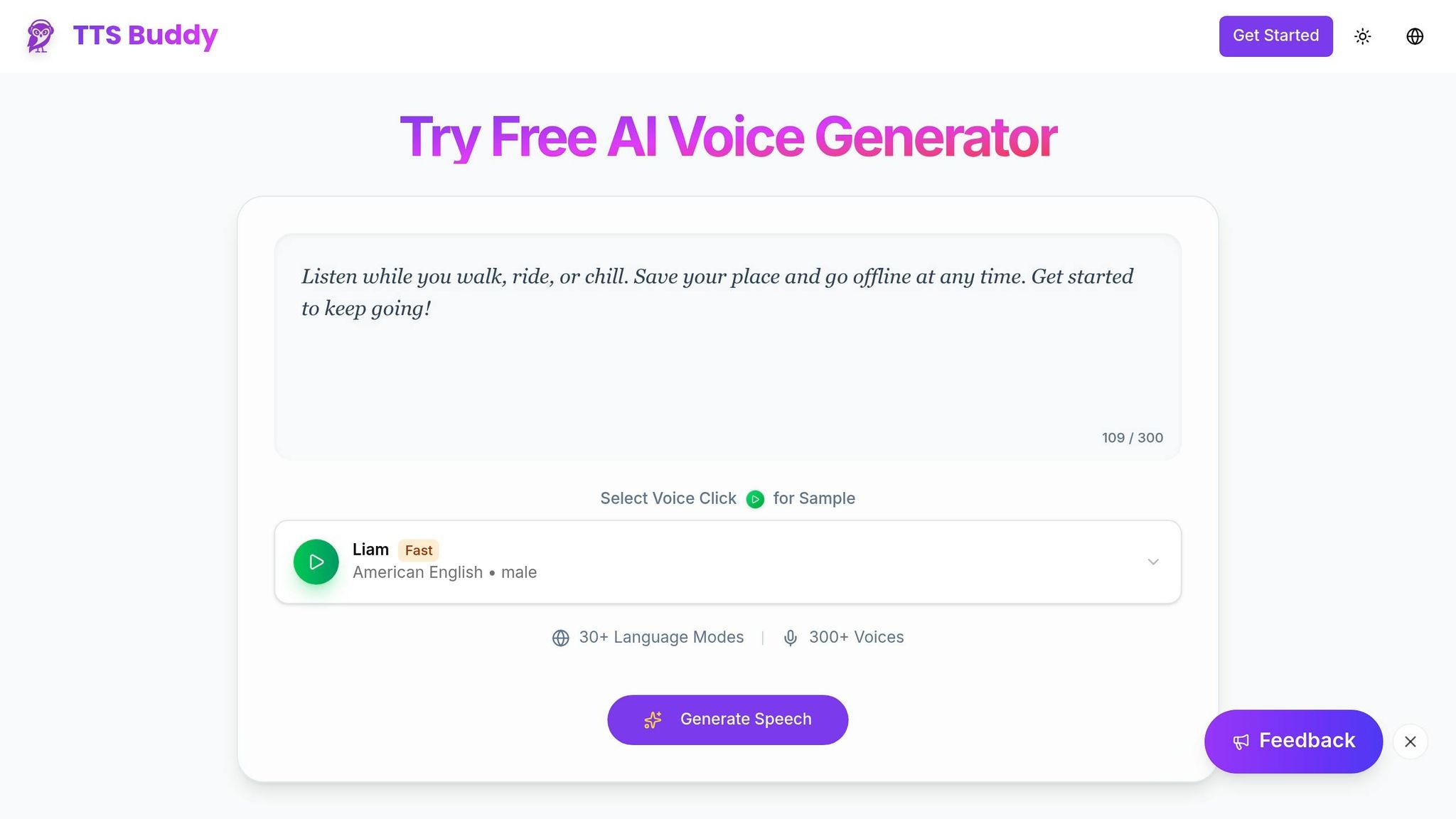
Because the agent layer and voice layer are separate, the CLI gives you the fastest path from text to audio. TTSBuddy is a single Go CLI binary for macOS, Linux, and Windows, with no runtime dependencies. If you want agent output to become spoken audio with as little setup as possible, this is the shortest route.
Convert agent replies, Markdown, and piped output to audio
TTSBuddy supports three input modes that fit common agent workflows:
- Inline text: Pass the agent’s reply as an argument and get audio back right away.
- Markdown file: Removes headings, links, images, and code blocks before synthesis.
- Stdin piping: Send agent output straight into speech for live replies, logs, or batch output without saving temp files.
Pick voices and output formats for your workflow
TTSBuddy includes 58+ neural voices across 14+ languages. For low-latency agent use, Flash voices produce audio much faster than standard voices. That matters when you want speech that feels close to live.
Voice choice and output format are separate. You can save audio as MP3 or WAV for batch jobs, stream MP3 to stdout for low-latency playback, print only the audio URL for small scripts, or use JSON output when you need job metadata for later steps. Pick the mode that fits the transport you already use instead of bending your workflow around the tool.
CLI input and output modes compared for agent scenarios
These modes line up cleanly with a simple flow: text in, audio out.
| Use Case | Input Mode | Output Format | Pros | Considerations |
|---|---|---|---|---|
| Live agent responses | Inline text | stdout (MP3 stream) | No intermediate files | Requires an active audio device |
| Docs and report narration | Markdown file | Saved MP3/WAV | Auto-cleans markup | Not suited for real-time interaction |
| CI/CD and batch jobs | stdin pipe | JSON or audio URL | Easy to log and audit | Filter verbose output before piping |
| Scripting and toolchains | Inline text | JSON | Metadata included | Requires parsing logic in the calling script |
If a run gets interrupted, copy the job ID from Ctrl+C and resume polling later.
When you need async jobs or tool access, move the same speech step to the REST API or MCP.
Connect TTSBuddy REST API and MCP Tooling to Agent Workflows
When your agent runs inside a service, a scheduled job, or a multi-step workflow, the CLI usually stops being the best fit. At that point, the REST API takes over. The agent still works in a text-first way, and speech still sits outside the model itself. The main thing that changes is how requests move through your system. If the CLI is the handy local path, the REST API is the better long-run option for services and orchestrators.
Submit async TTS jobs and poll for results safely
Every TTSBuddy account includes access to the /v1/agent-tts endpoint [5]. Authentication is simple: send your ttsb_ API key as a Bearer token in the request header.
A safe pattern looks like this:
- Authenticate and submit - send the Bearer token, then
POSTyour text and voice settings with an idempotency key. The API returns ajob_idright away. That idempotency key matters a lot. If a timeout or network reset happens, you can retry without creating duplicate audio jobs. - Store the job ID - save it in your app state before anything else. If the process gets interrupted, reload the saved
job_idand keep polling instead of submitting the same request again. - Poll until complete - check status with
get_job_statuson a cautious interval. Jobs accept up to 500,000 characters [5], so even long agent output can fit in one job. - Fetch the audio link - when the job status changes to
completed, callget_audio_linkto get the signed audio URL.
This flow is a lot like tracking a package. You don't place the same order again just because the tracking page didn't load the first time. You keep the ID, check status, and continue from there.
Register speech generation as a tool in your agent
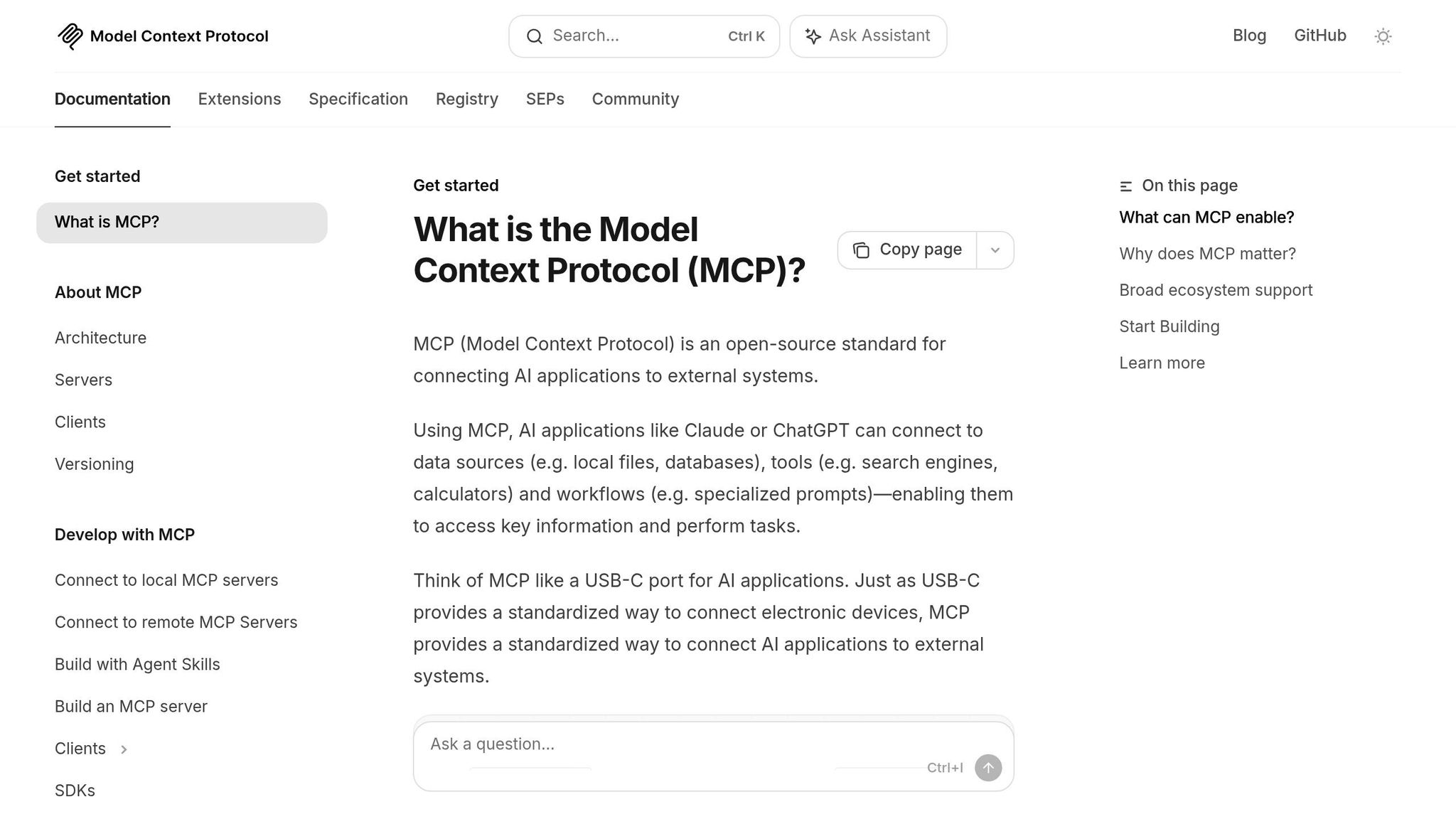
Once speech generation is working over HTTP, the next step is to expose that same action as a tool your agent can call on its own. For LLM chains and MCP-compatible agent systems, TTSBuddy provides generate_speech as a structured tool. The agent can pass parameters like voice_id, text, output_format, speed, and language.
That doesn't mean every reply should turn into audio. In most setups, the better move is to let the agent decide when speech adds value. Some replies are better left as plain text. Others, like spoken summaries, hands-free updates, or voice playback in an app, are a natural fit.
For desktop clients such as Claude Desktop, Cursor, or Windsurf, setup is mostly just adding the TTSBuddy server to the mcpServers config and setting the AITTSM_API_KEY environment variable [5]. For server-side agents, use the remote HTTP transport with POST /api/v1/mcp and a Bearer token instead [5]. That endpoint uses stateless HTTP, so a restart won't interrupt the flow [5].
If a voice doesn't support the output mode you requested, the API returns a clear error response: STREAM_NOT_SUPPORTED, along with an error code, message, and HTTP status [5]. In that case, switch to async polling or use a voice that supports the mode you need.
TTSBuddy CLI vs. REST API: choosing the right fit
Use the table below to match the transport to your runtime.
| Integration Point | CLI | REST API | Limitation |
|---|---|---|---|
| Request style | Immediate terminal invocation | Async submit + poll | CLI is less suited to distributed retry logic |
| Reliability pattern | Re-run command carefully | Idempotency key + job ID + polling | REST requires storage, polling logic, and timeout management |
| Tooling integration | Command chaining | Structured MCP tool calls | Needs orchestration rules to avoid repeated generation |
A simple rule works well here: for a shell script or a local desktop agent, use the CLI. If your agent runs in a backend service, a bot, or any setup where jobs need to survive restarts and retries, use the REST API with idempotency keys and explicit polling.
Add Speech Input and Accessibility Support, Then Ship
Add speech-to-text input to the same agent flow
Once speech output is in place, add input and playback controls to close the loop. Keep the agent text-first. The only thing that changes is the input layer. Capture audio in the browser with navigator.mediaDevices.getUserMedia, transcribe it with a speech-to-text service, and pass that text into your agent the same way you would a typed message.
Push-to-talk (PTT) is a simple way to handle turn detection. Use echoCancellation: true in getUserMedia so the agent doesn’t pick up its own audio output and cut off playback [6].
Once input works, the next step is making playback easy to read, easy to use with a keyboard, and easy to scan.
Deliver audio in an accessible way
Treat the transcript, controls, and text cleanup as shipping requirements, not polish. Always show a visible play/pause button, and make sure users can reach it with a keyboard. Offer speed controls too. 0.75x works well for dense or complex content, while 1.5x fits quick status updates [4]. Put a text transcript next to the audio so people can read, skim, or search the response.
Before sending agent text to TTSBuddy, clean up anything that sounds awkward when spoken. Paths, currency, dates, and version numbers usually need attention. A file path like /var/log/app.log should stay in the text channel. $5.00 becomes "five dollars." 07/01/2026 becomes "July first, twenty twenty-six." 1.51.0 reads as "one point fifty-one point zero" [1][3]. If a line sounds clunky out loud, leave it as text only.
With input and playback in place, you can ship a voice agent that works well for people who speak and people who read.
Conclusion: The shortest path to a voice-enabled agent
Keep the agent brain separate from the speech layer and transport. That one rule makes voice agents fast to build and easier to maintain.
FAQs
When should I use the CLI instead of the REST API?
Use the CLI when you want to move fast.
It works well for quick prototypes, one-off tasks, or triggering voice features from a shell script or terminal-based AI workflow. It’s also handy for simple local jobs, like speaking text, listing voices, or making an audio file for accessibility checks or quick testing.
Use the REST API for production apps.
It’s the better choice for server-side integration, stateless requests, authentication, scaling, and more involved voice streaming or session handling.
How do I prevent duplicate TTS jobs after a timeout?
Use an AbortController to cancel synthesis and playback the moment a timeout hits. When you pass an AbortSignal into your speech function, it can stop pending requests, downloads, or subprocesses before they keep running in the background.
If the user interrupts the agent, clear or flush any queued audio buffers right away. That way, playback stops cleanly and any pending segments get dropped before the next response begins.
What text should I clean up before sending it to TTS?
Before you send text to a text-to-speech engine, split long documents into smaller chunks. That simple step helps with reliability and performance.
For real-time replies, don’t wait for the full LLM output. Stream the text instead, and start conversion as soon as you have a complete sentence or clause. This cuts perceived latency and makes playback feel more natural.